 BreizhVoIP
SSO and strong authentication
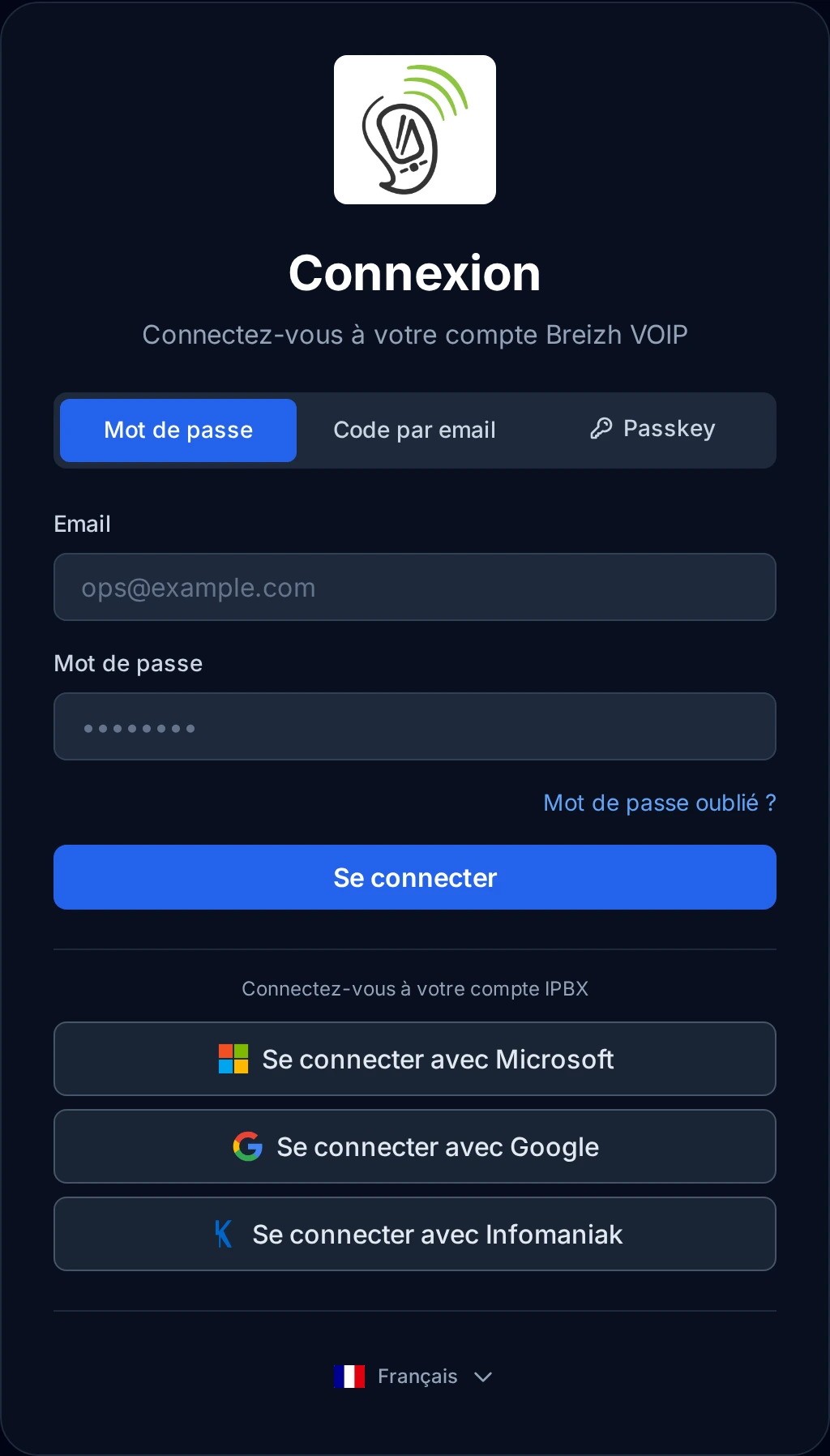
Signing in with the account you already have. If your company runs Microsoft 365 or Google, your people sign in with that account: no extra password to remember, and a departure is handled in the same place as everything else. For the accounts that administer the installation, a second factor can be required: a temporary code, a physical key or a fingerprint.
How it works
The user chooses to sign in with their Microsoft, Google or Infomaniak account.
Their account on the platform is created or matched automatically, with nothing to type.
Their company's rules apply: password policy, expiry, two-factor authentication.
Two-factor authentication can also be added here: mobile app, physical key, fingerprint.
When an account is disabled at Microsoft or Google, access stops here too.
Use cases
- A company already on Microsoft 365: one less password per person to manage.
- Strengthening administrator access without imposing the same constraint on everyone.
- A departure: access is cut once, in the company directory.
- An internal security policy to meet, with rules already defined elsewhere.
- Fewer password reset requests, which take up support time.
Benefits
- Sign-in with company accounts, with no extra password.
- Automatic matching: nothing to create by hand.
- Two-factor authentication by mobile app, physical key or fingerprint.
- The company's security rules apply without being redefined.
- A departure is handled in the same place as the rest of the access.
Examples
- A company on Microsoft 365: everyone signs in with their work account, and no password is created for telephony.
- The two administrators use a physical key: a stolen password opens nothing.
In the panel
Read the guide: Se connecter avec son compte Microsoft, Google ou Infomaniak
Related features
Security
A phone system is a target: a stolen login is used to place expensive calls abroad, usually at night and at weekends.
Extension management
Everyone gets their own line, short number and voicemail. A line can ring on several devices at once, the desk phone as much as the mobile,…
Multi-company
Several companies on one installation, with none of them seeing the others.
Use this feature
Tell us what you need and we will put together your quote with you.