 BreizhVoIP
WebRTC softphone
Your desk phone fits in a browser tab. The softphone makes and takes calls on your work line from Chrome, Firefox, Safari or Edge, with nothing to install and no VPN to open. You can see at a glance who is free, transfer a call in two clicks, and find the call history, recordings and transcribed voicemail in one place. On a phone, the mobile app takes over: the call rings like any other, even on a locked screen.
How it works
You open your account in the browser and your line signs in on its own: no code to type, nothing to install.
The link between your browser and our servers is encrypted, voice included.
Audio quality follows your connection: the system keeps the best format your network supports, with no setting on your side.
Video switches on as soon as both sides can receive it, without changing tool or sending a link.
The presence board shows live who is free (green), on a call (red), ringing (orange) or away (grey).
Callers are recognised: their name, company and photo appear as the phone rings, if they are in your contacts.
A direct transfer sends the call straight to another extension, when you already know whose it is.
An attended transfer lets you speak to your colleague first, and take the call back if they cannot pick it up.
Hold plays the music you chose for the company.
Recording starts and stops during the conversation, at the press of a button.
Keypad tones let you work through your correspondents' voice menus, as on a desk phone.
Voicemail arrives transcribed: you read before you listen, and call back without playing it all again.
Use cases
- Remote work: the business line answers from home, with no diversion to a personal mobile and no new number to hand out.
- Reception and switchboard: the presence board shows who is available, and attended transfer avoids sending a customer into the void.
- Customer support: the caller is recognised, their history is on screen, and recording starts when the conversation calls for it.
- Field sales teams: calls go out with the company number, from a laptop or a phone.
- Quick video catch-up: switch a call to video to show a screen or a document, without setting up a meeting.
- Team supervision: the state of every extension reads in one screen, and you step in when a call is waiting.
- On-call duty: the line follows the person on duty to their phone, with the system's own call notifications.
- Several devices at once: the browser at the office, the app on the mobile, without having to choose.
Benefits
- Nothing to install: the softphone runs in Chrome, Firefox, Safari and Edge, with no plugin or extension.
- A line attached to the person rather than the desk: the same number answers at the office, at home or on the road.
- Video joins a call already in progress, with no switch to another tool and no invitation to send.
- The presence board saves lost calls: you see who can take one before transferring.
- Known callers are identified as the phone rings, with their name and company.
- Two ways to transfer: straight through when it is obvious, after a word with your colleague when it is not.
- Voicemail is transcribed, so it can be read at a glance, including in a meeting.
- Recording starts mid-call, when the conversation turns into something worth keeping.
- The full call history stays available, with search and playback of recordings.
- Browser, desktop and mobile work together: the call reaches you where you are, and notifications follow on the phone.
- Signalling and voice are encrypted between your devices and our servers, hosted in France.
Configuration
- Phone line
- The company line assigned to the person. It signs in on its own at login: there is nothing to copy across.
- Audio quality
- Voice travels in the best format your connection supports, from the most faithful to the most frugal. The choice is made on every call, with no intervention.
- Video
- Video can be allowed or not for the line. Where it is, it switches on mid-call as soon as both sides support it.
- Presence board
- The list of extensions this person watches. Colours follow the real state of the lines, live.
- Contacts
- The company directory and personal contacts. Lookup is automatic on every call, incoming or outgoing.
- Mobile notifications
- An incoming call wakes the phone and rings like a normal call, even when the app is closed.
Examples
- A salesperson on the road opens the softphone in their browser, sees a colleague is free, switches to video to walk them through a quote, then transfers the waiting customer.
- At reception, the presence board shows which extensions are free. A call comes in, the contact is recognised, and an attended transfer announces the caller before handing over.
- An engineer takes a call, starts recording to keep a trace of a procedure, checks the customer's history, notes what was said, and sends the call to voicemail if a callback is needed.
- A manager working from home follows the team from the presence board, takes urgent calls on their mobile, and reads transcribed voicemail between two meetings.
In the panel
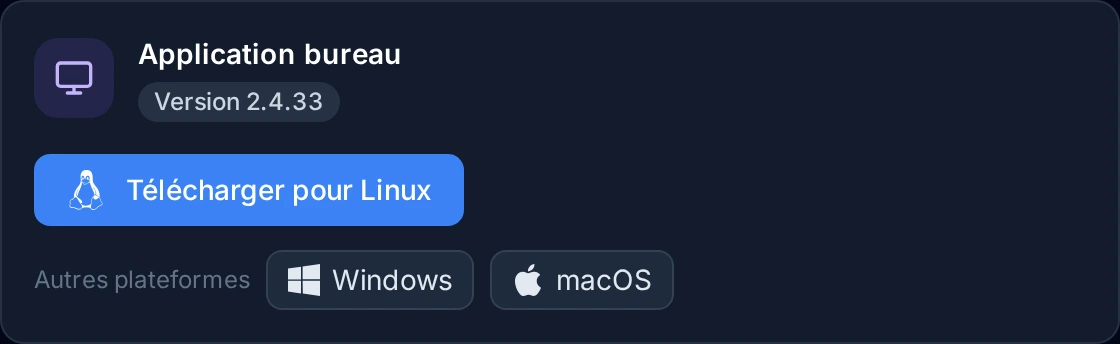
Read the guide: Installer l'application bureau et se connecter
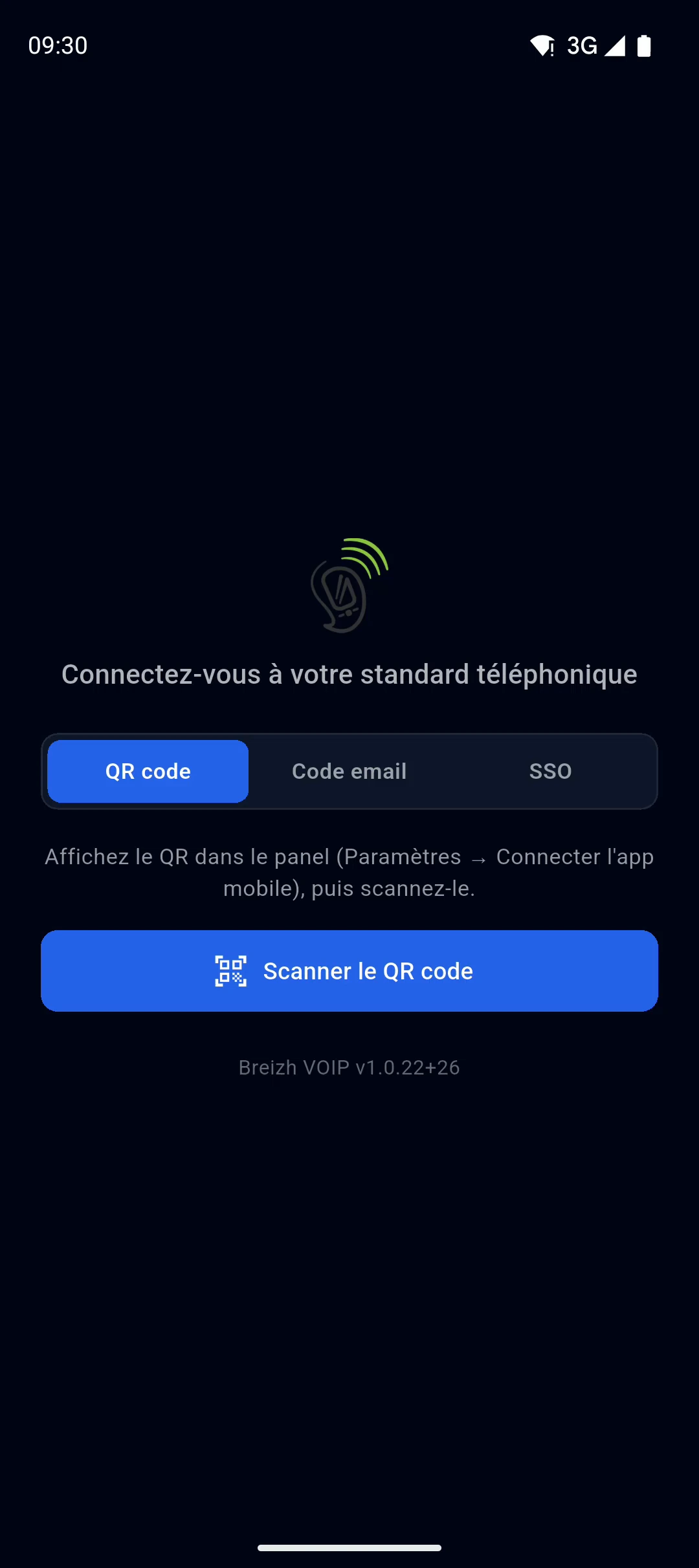
Read the guide: Se connecter à l'application mobile
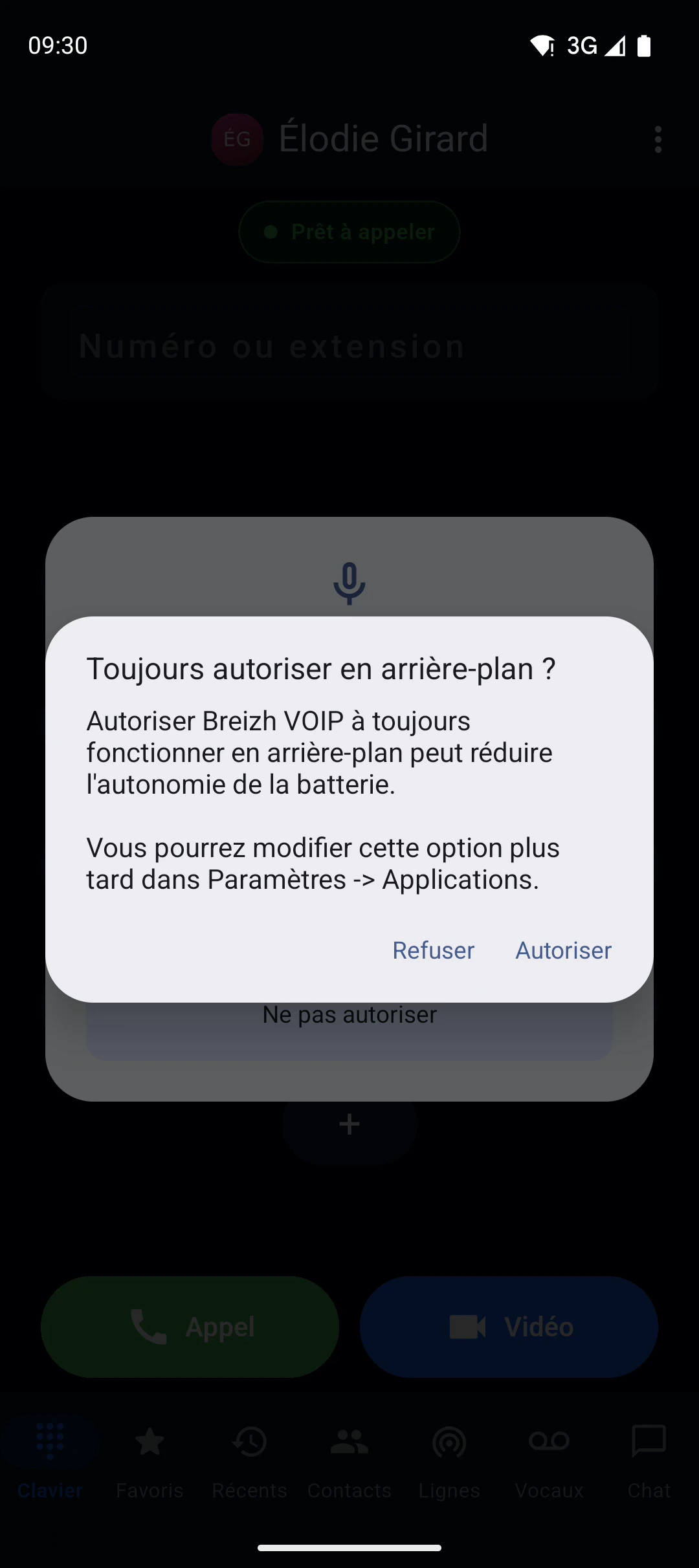
Read the guide: Faire sonner son téléphone : notifications et batterie
Related features
Calling from the browser
A tab, a headset, and your work line is running. No software for IT to install, no VPN to open, no version to maintain on every machine:…
Desktop app
The same telephony as in the browser, in an application installed on the computer.
Mobile app
Professional mobile application for Android and iOS. Make and receive voice and video calls, check your voicemail, manage contacts and…
Use this feature
Tell us what you need and we will put together your quote with you.