 BreizhVoIP
External Routing
Route a call to an external number (landline or mobile) via a configured trunk. Ideal for outbound calls and routing to external numbers.
How it works
Pick the trunk the call should leave through; without one, the company's first active trunk is used
Enter the external number to call: spaces are stripped and a leading 00 is turned into +
Choose the number shown to the person called: one of your external numbers, or the original caller's
The call is placed over the trunk, with the timeout you set
If it connects, the call carries on to the next output
If it rings out or hits a busy tone, it leaves through the "unavailable" output
If the trunk or the network refuses the call, it leaves through the "error" output
Use cases
- Forward an incoming call to a mobile when nobody is at the office
- Hand out-of-hours calls to whoever is on call, on their own number
- Route to a supplier or an outsourced service that has no extension on your system
- Show the company's main number on a call placed from a dialplan
- Chain a fallback: ring the internal extensions first, then an external number if they do not answer
What you configure
- Trunk
- The trunk the call leaves through. Leave it unset and the company's first active trunk is used.
- Number to call
- The external number, landline or mobile. Spaces are stripped automatically, and a number starting with 00 is converted to international form (+).
- Number shown
- What the person called sees: one of your external numbers, or the original caller's number so they know who is really calling.
- Timeout
- How long to ring before giving up, in seconds (60 by default). Past that, the call leaves through the "unavailable" output.
- Ring mode
- What the caller hears while it rings: the normal ringing tone, or hold music of your choosing.
Examples
- Overflow to a mobile: internal extensions ring for 20 seconds, then the call goes out to the on-call mobile, showing the company's main number.
- Night cover: outside business hours, the dialplan calls the duty engineer's own number directly.
- Forwarding to a supplier: after-sales is outsourced, so calls from the voice menu go out to their number without them having an extension on your system.
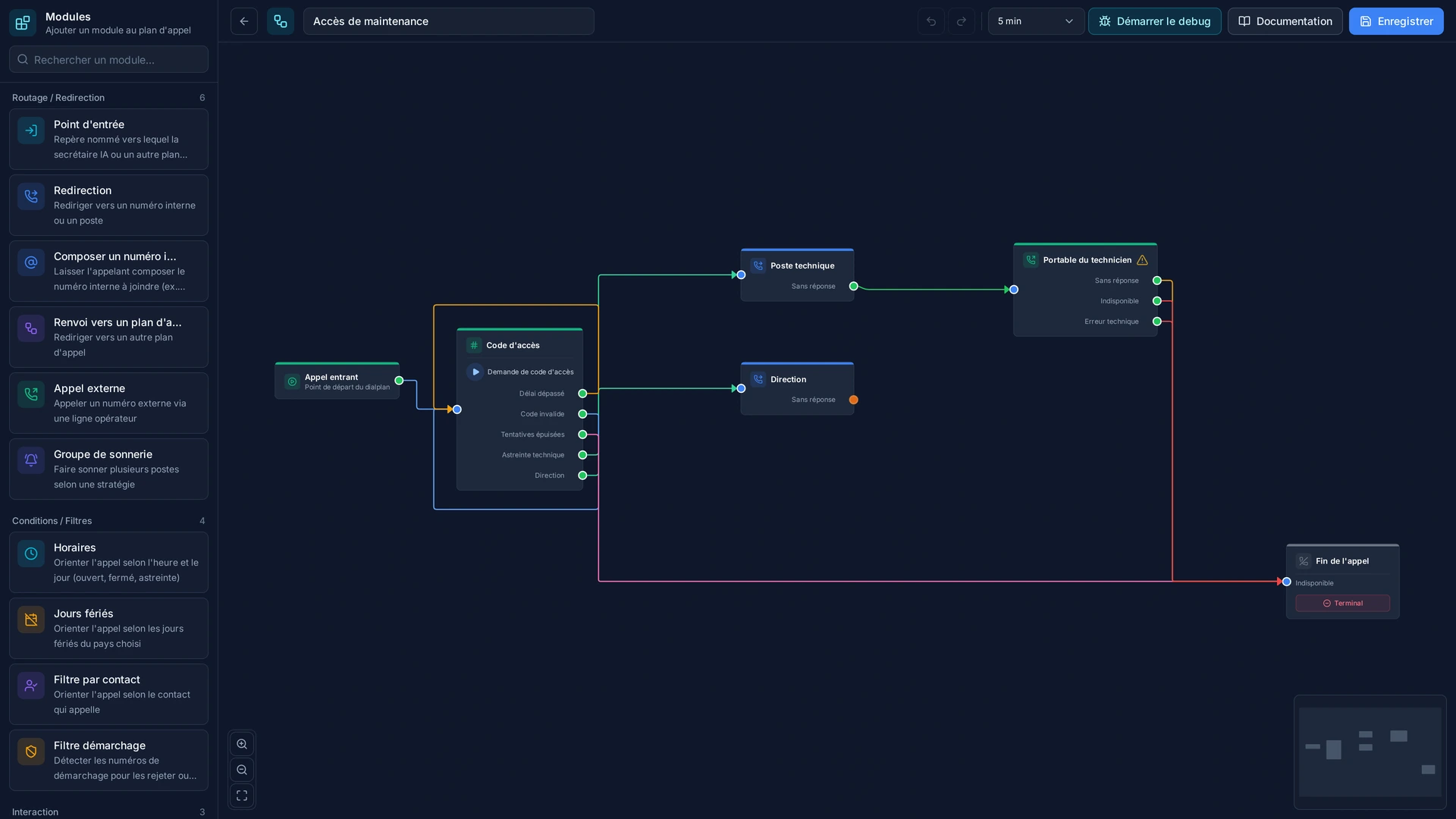
- Cascading fallback: if the external number does not answer, the "unavailable" output sends the call to voicemail; if it cannot be reached at all, the "error" output plays an apology.
In the panel
Read the guide: Basculer un appel vers un téléphone extérieur
Modules in the same category
Redirect
Redirect a call to one or more extensions. The system calls all extensions in parallel and the first to answer receives the call.
Dialplan Redirect
Redirect to another dialplan. Allows creating reusable and modular dialplans by transferring execution to another routing.
Dial by Alias
Dial an internal alias to reach a station. Allows users to call a colleague directly by dialing their alias number, without knowing the technical extension.
Ring Group
Ring multiple stations simultaneously or sequentially. Configure advanced ringing strategies to distribute calls within a group of stations.